As many SEOs are aware, creating a diverse natural looking link profile can be just as important as getting those juicy high DA DoFollow links. Many search analysts tend to agree that it’s important to build a ratio of DoFollow/NoFollow links that matches the industry you’re in. As a company’s online presence grows, they should naturally be receiving both kinds of links. For instance, according to SEOBlog.com, popular couponing website BeFrugal.com only has a DoFollow link ratio of 47% compared to 53% NoFollow links. Therefore, you can see why it’s a good idea if you’re supplementing your own backlinks with a large amount of DoFollow links like guest posts to also make sure you obtain some NoFollow links as well.
So then the question becomes, where should you get NoFollow links? Well obviously the ideal answer is from relevant websites and communities in your niche as these NoFollow links can be used for more than just your link ratio, letting Google learn what websites are relevant to your own. However, since that might be a little too time consuming for a business owner or webmaster new to SEO, here’s a list of five more general profile NoFollow backlinks anyone can use:
1 ) Gravatar.com (Domain Authority: 95)
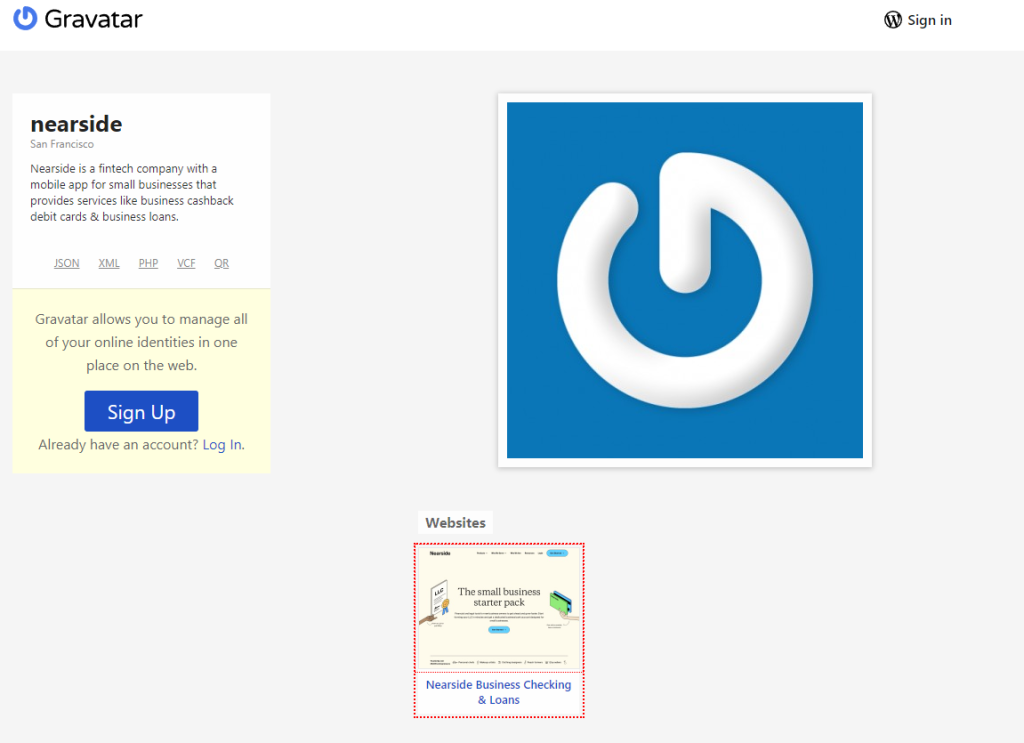
Gravatar is a super popular website integrated with many forums and profiles online. Essentially by setting your “Gravatar” (a global avatar if you will) when you sign up on any future websites that support Gravatar it will automatically use the image you set as your avatar. Likewise, when you change your Gravatar it will automatically change on all previous websites you set to use Gravatar. Now for our purposes the most important thing is that Gravatar offers easy sign up with a WordPress account (which many of you may already have) and creates a profile for you where you can easily gain a NoFollow link to your website as you can see in the image above.
2 ) WordPress.org (Domain Authority: 98)
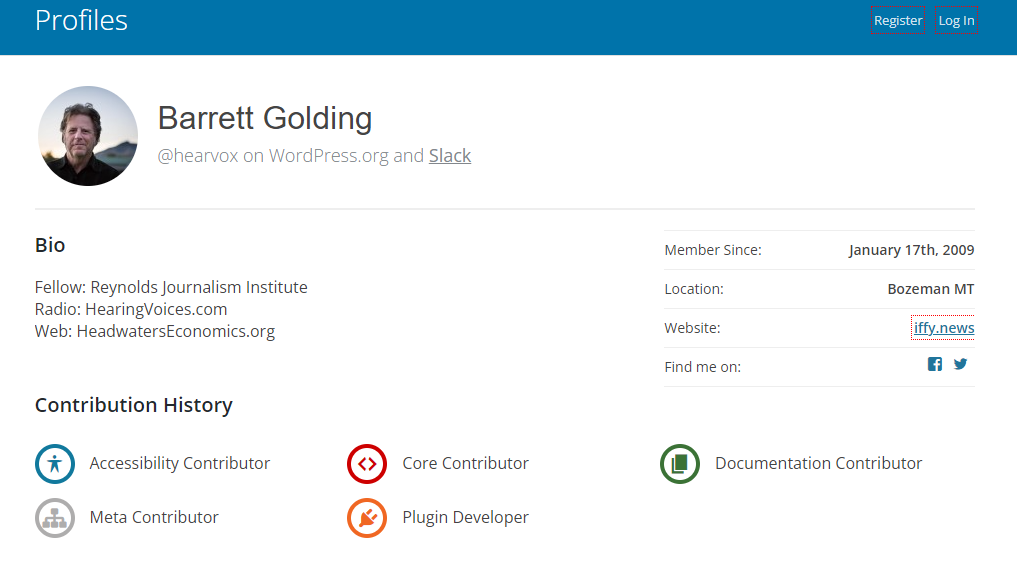
Now with the same WordPress account we created before we can also get a backlink from profiles.wordpress.org, which yes is a subdomain, but when there’s little to no work on our side can we really complain? Now for those of you that don’t know, WordPress is the world’s most popular CMS and while it first started as software to create blogs, now many of the world’s websites are created with WordPress and its various plugins (hence the hugely high domain authority on WordPress.org). When you create a profile there should be an option to insert your website url and as you can see above it shows right on your profile.
3 ) DeviantArt.com (Domain Authority: 72)
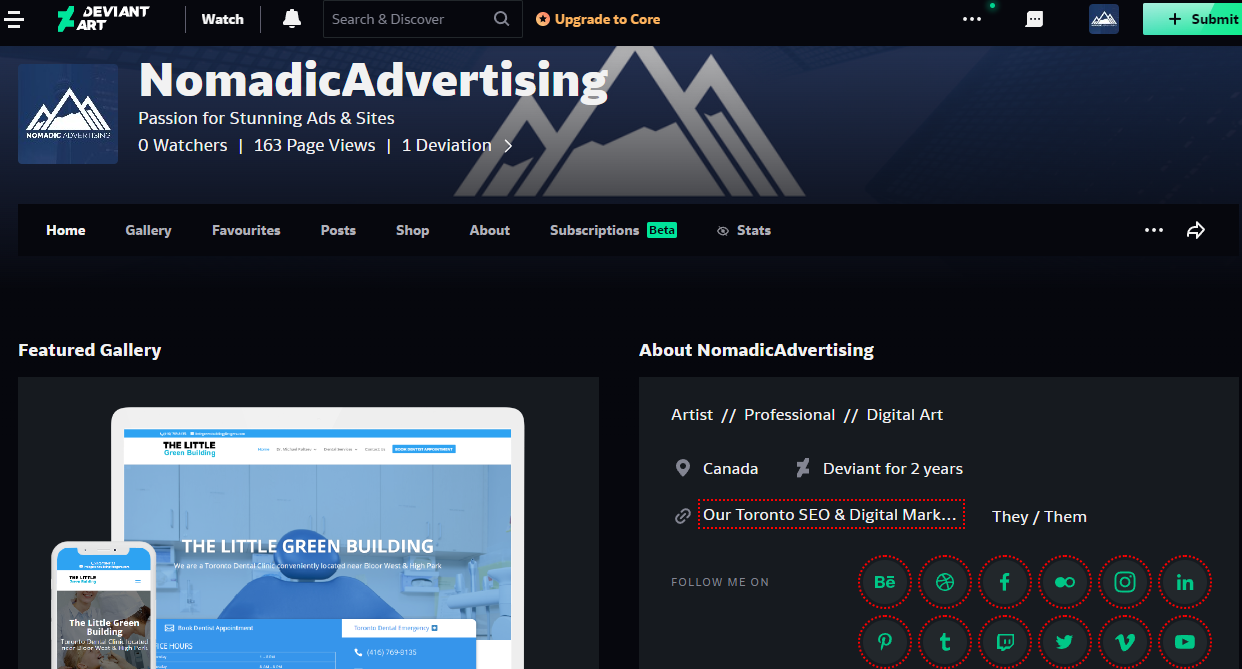
DeviantArt is a well known website that has been around for a long time as a space for artists to showcase and critique each other’s work. Obviously it helps if you have some kind of design or art to showcase, but it’s not required for the backlink as you simply have to create a profile and add your link. A really cool benefit of DeviantArt is also the sheer amount of social media profile links they allow you to link to as well, and you can also use this list to get ideas on social profiles you need to create.
4 ) Disqus.com (Domain Authority: 93)
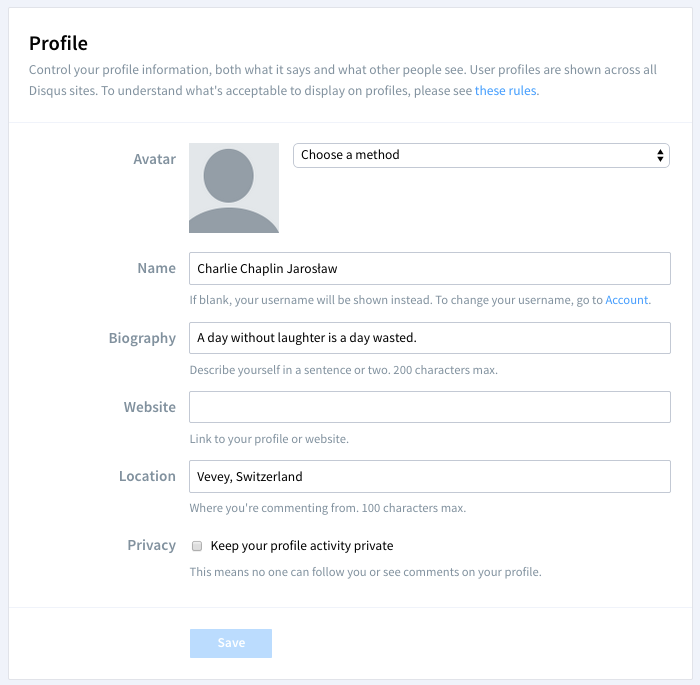
Disqus might seem a bit complicated if you’ve never seen it before, but it’s likely you have seen it online in the past. It is a social platform and comment system that website owners can integrate into their site. It’s often seen at the end of a blog article as the system powering the comments, but it also taps their large user base into your website. The important part for us however is – you guessed it – they allow you to put a website link into your profile. Simply sign up and put your website link as shown in the screenshot above.
5 ) Quora.com (Domain Authority: 93)
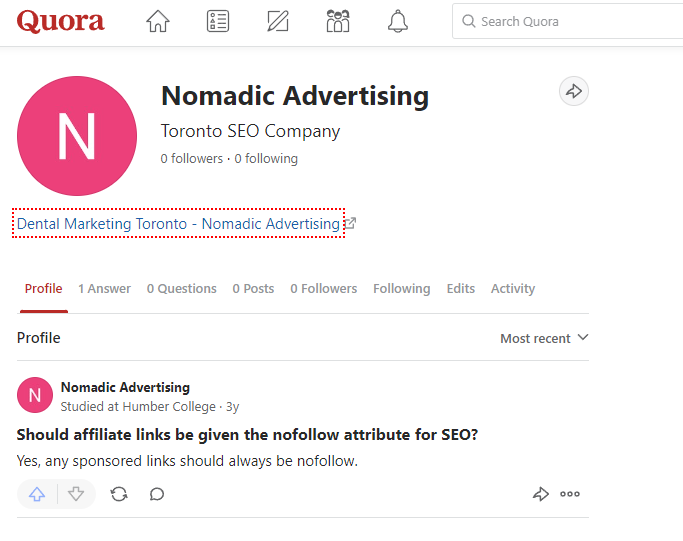
I’m sure most everyone has been to Quora at some point or at least seen them on the Google search results. Quora is a massive community and forum where people can ask and answer questions, kind of like a modernized version of the old Yahoo Answers. Just like the other websites on this list, signing up for Quora gets you a NoFollow link on your profile page like shown in the screenshot above. However, the great thing about Quora is that you can also get additional backlinks and eyes on your profile by successfully answering others’ questions, and of course it always helps if you answer questions in your niche!
How can I find NoFollow backlinks online?
So overall, as you can see from the examples above there’s plenty of opportunities to grab some easy NoFollow backlinks on the web. The best part is that now that you have a better idea as to what to be on the lookout for, you’ll naturally find your own sources for these kinds of links as you come across websites during your normal browsing hours. So if you haven’t done so grab some of the links above as they’re all fairly simple and use this knowledge to find similar kinds of links but in your specific industry, and if you really don’t have any idea where to start, don’t forget you can check your competition’s backlinks for ideas.